
Back to Templates
About this template
Automate email triage with an agent that flags important emails, drafts and sends replies, and schedules meetings.
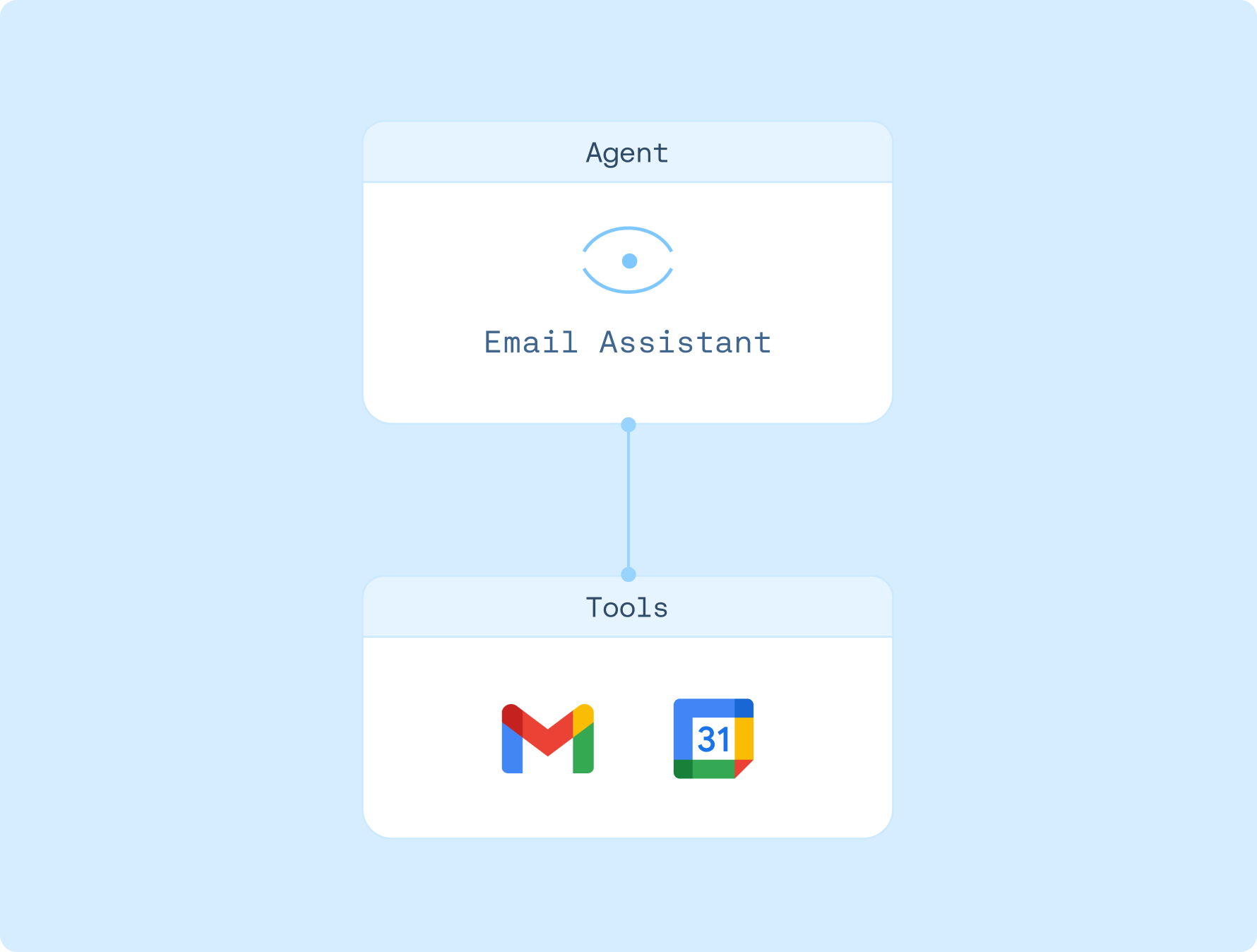
Connections

Gmail

Google Calendar
Created by
LangChain
Agent instructions
1. Analyzes incoming emails and handles the email automatically based on your email preferences
2. If the email requires your attention, the agent will notify you
3. For meeting requests, checks your calendar availability and can schedule events with your approval
4. Drafts responses based on email type and sends with your approval
5. Remembers email preferences based on your feedback
How to use
1. Sign up for LangSmith Agent Builder
Sign up here for our no-code agent builder.
2. Get your LLM API key
LangSmith Agent Builder works with OpenAI and Anthropic.
- Visit the OpenAI API Keys page.
- Go to OpenAI Billing.
- Add funds to your billing account.
- Copy your API key.
3. Set up your LLM API key
- Navigate to Settings and then move to the Secrets tab.
- Select Add secret and enter either
OPENAI_API_KEYor ANTHROPIC_API_KEY as the name, and your API key as the value. - Select Save secret.
4. Set up template
- Click here to access this template
- Authorize access to Gmail and Google Calendar
5. Get started
Let your agent know that you'd like to get started. It'll guide you through the next steps!