
LangSmith Fleet
Agents for the whole company
Give every team the ability to build agents, use them in apps they already rely on, and manage them with security and control.








.svg)





Three ways to build,
from full harness to full control
Each package solves a different problem. Choose whereyou want to start, then compose the rest ofthestack around it.
Create specialized agents with chat
Start from a chat or a prebuilt template. Fleet guides you through adding tools, channels, and skills so you can build agents that handle real work without writing code.
Use agents where people work
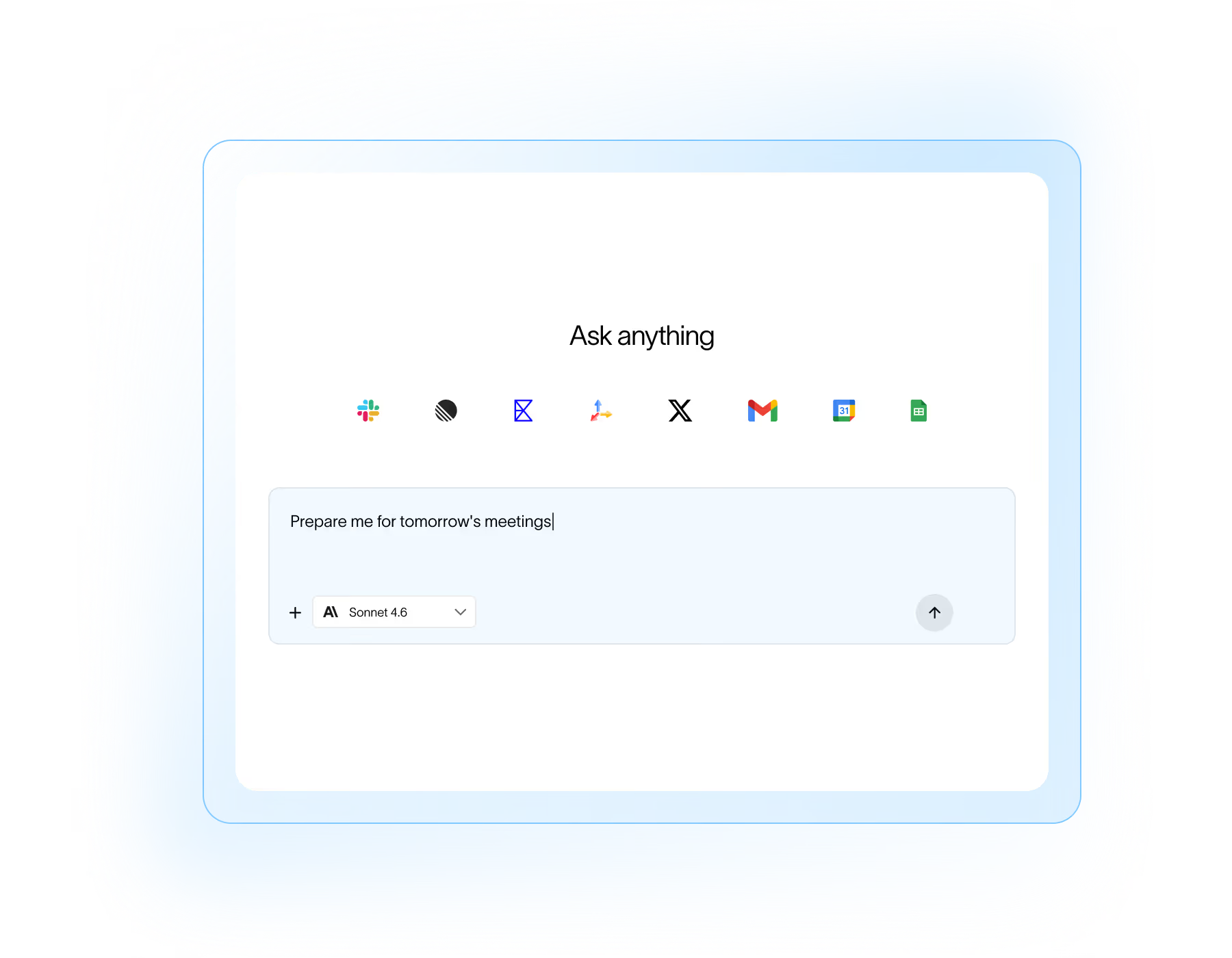
Fleet agents work inside the tools your team already uses, including Slack, Teams, and Gmail. Ask questions, kick off tasks, and get updates without leaving the flow of work.

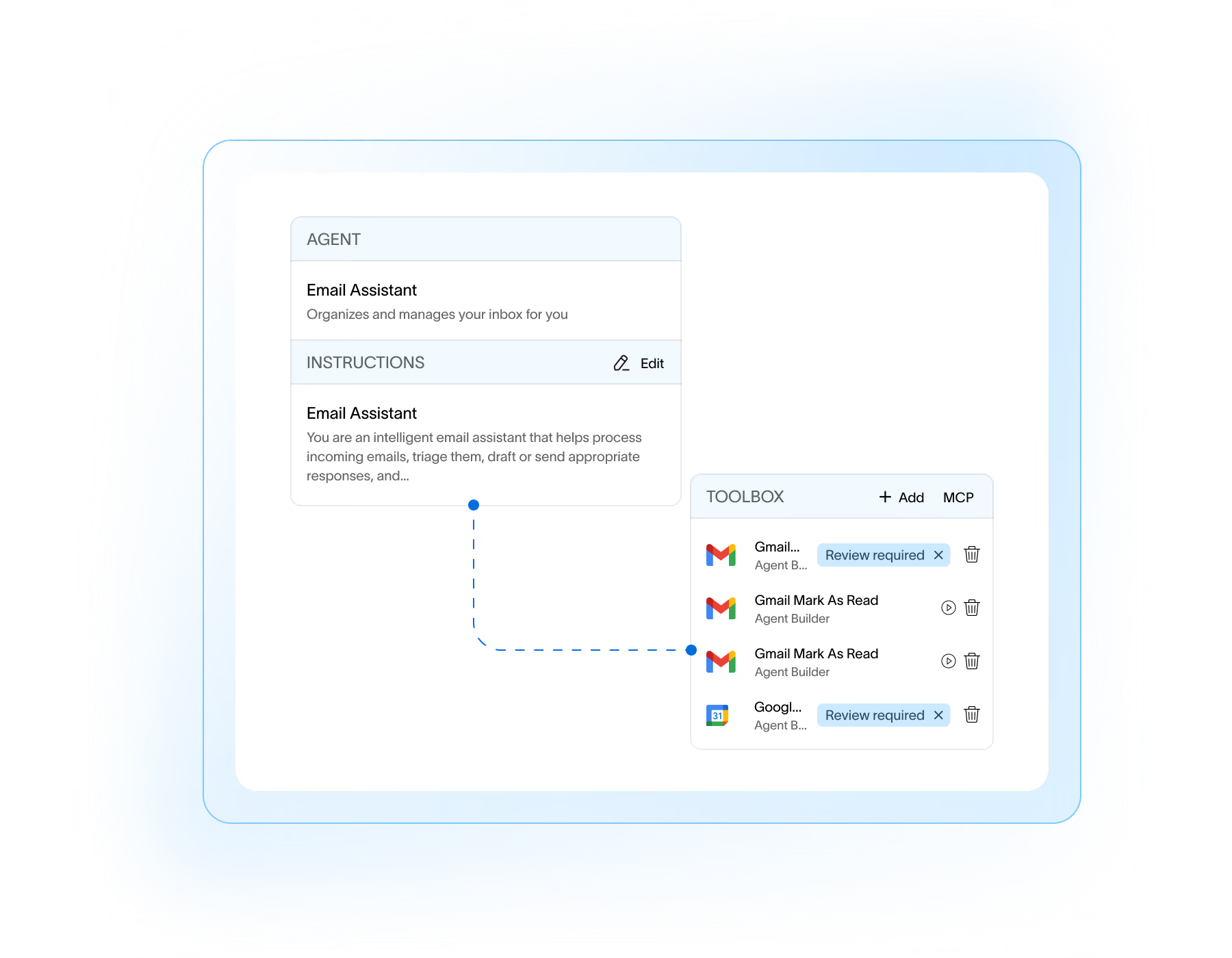
Require approval for sensitive actions
Keep humans in the loop where it matters. Set tool-level approval requirements so agents check with you before executing sensitive steps. Review, edit, and approve actions with a centralized agent inbox.
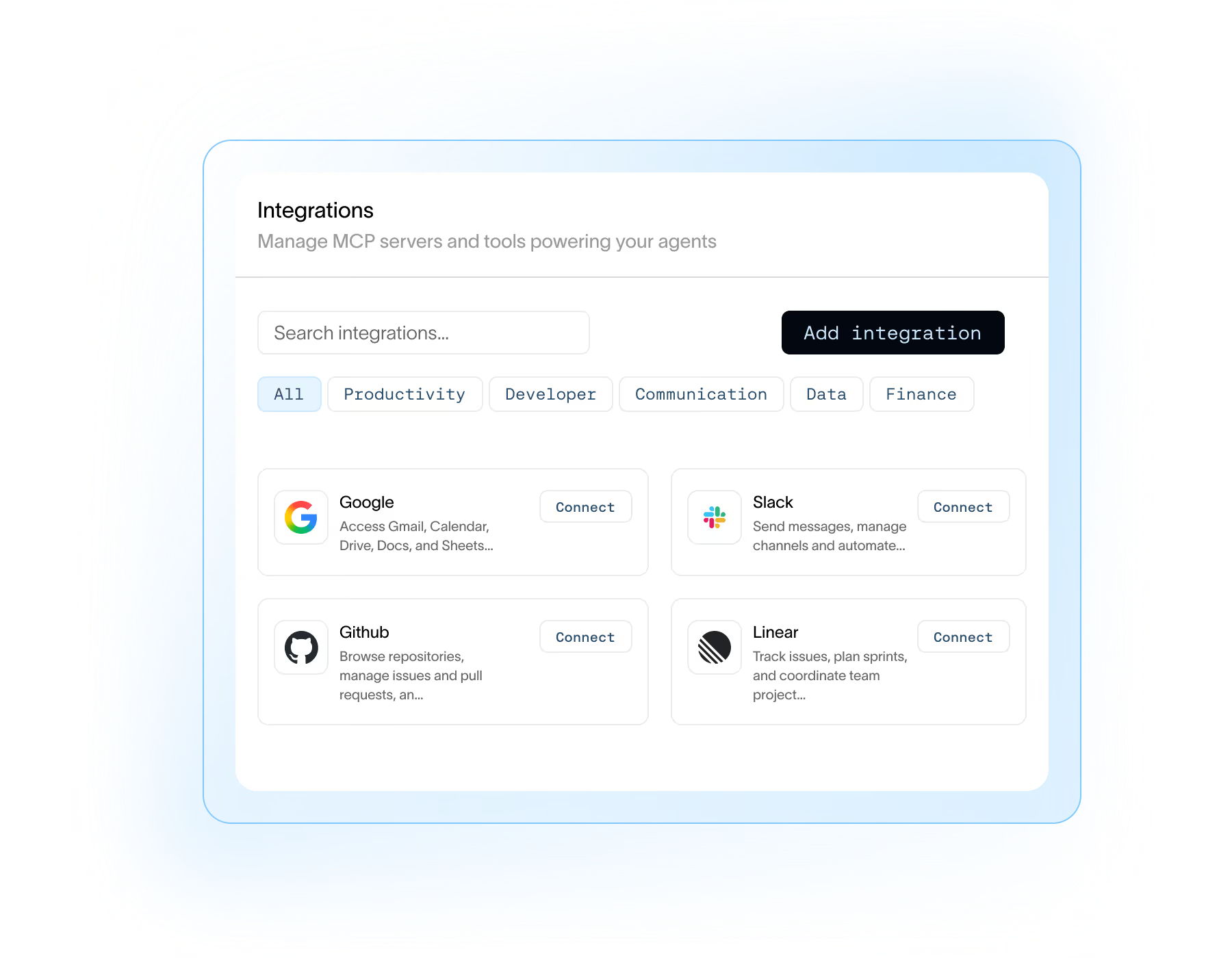
Connect your tools securely
Enable first-party integrations, with OAuth for user authentication, and extend agent capabilities with any remote MCP server. Admins control which tools are available.

Scale and manage agents across your org

Model neutral
Use your preferred model. Fleet supports OpenAI, Anthropic, Gemini, or a model of your choice.

Admin and access controls
Control who can use and edit agents, which credentials they use, and which services they can connect to.

Full observability
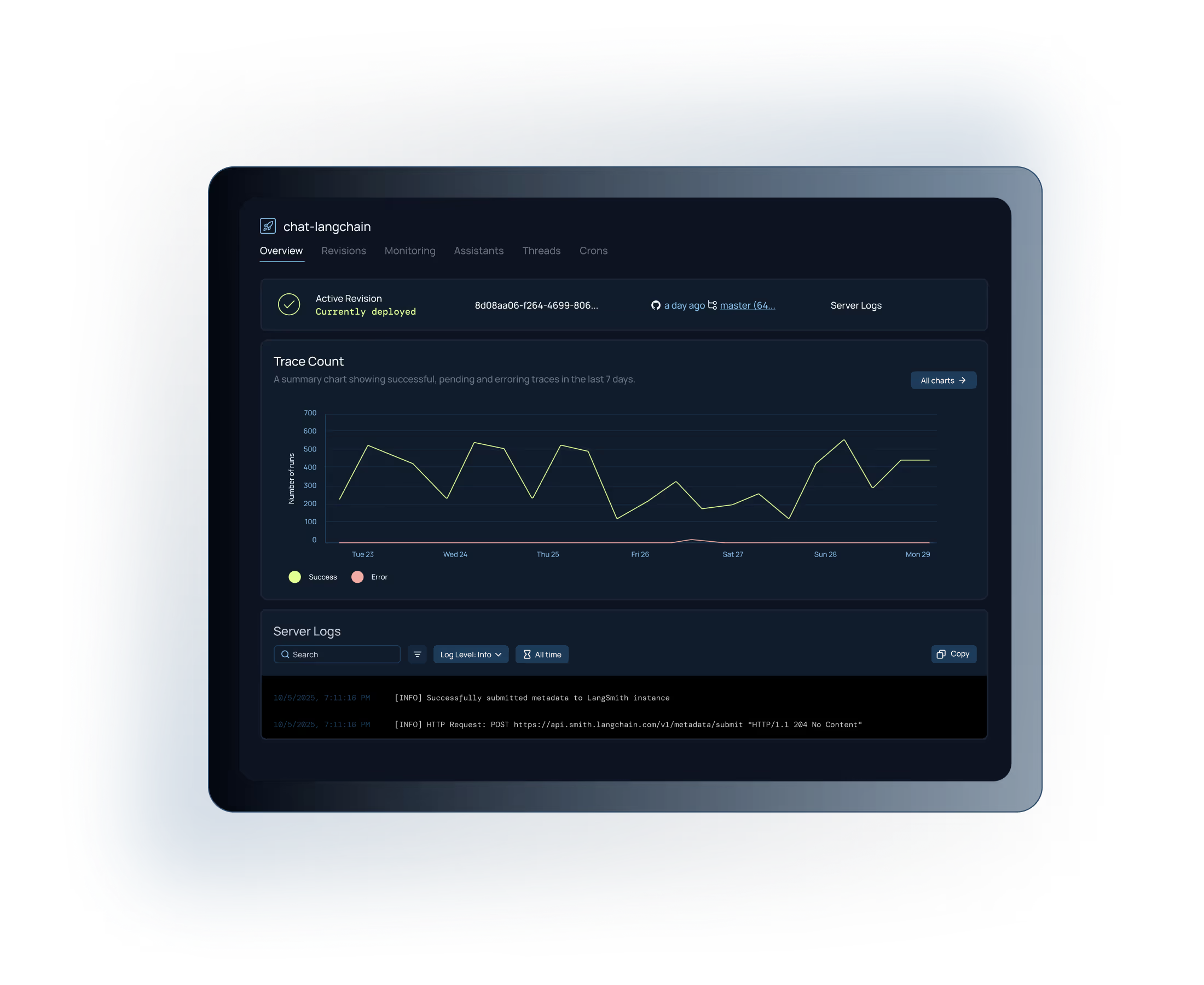
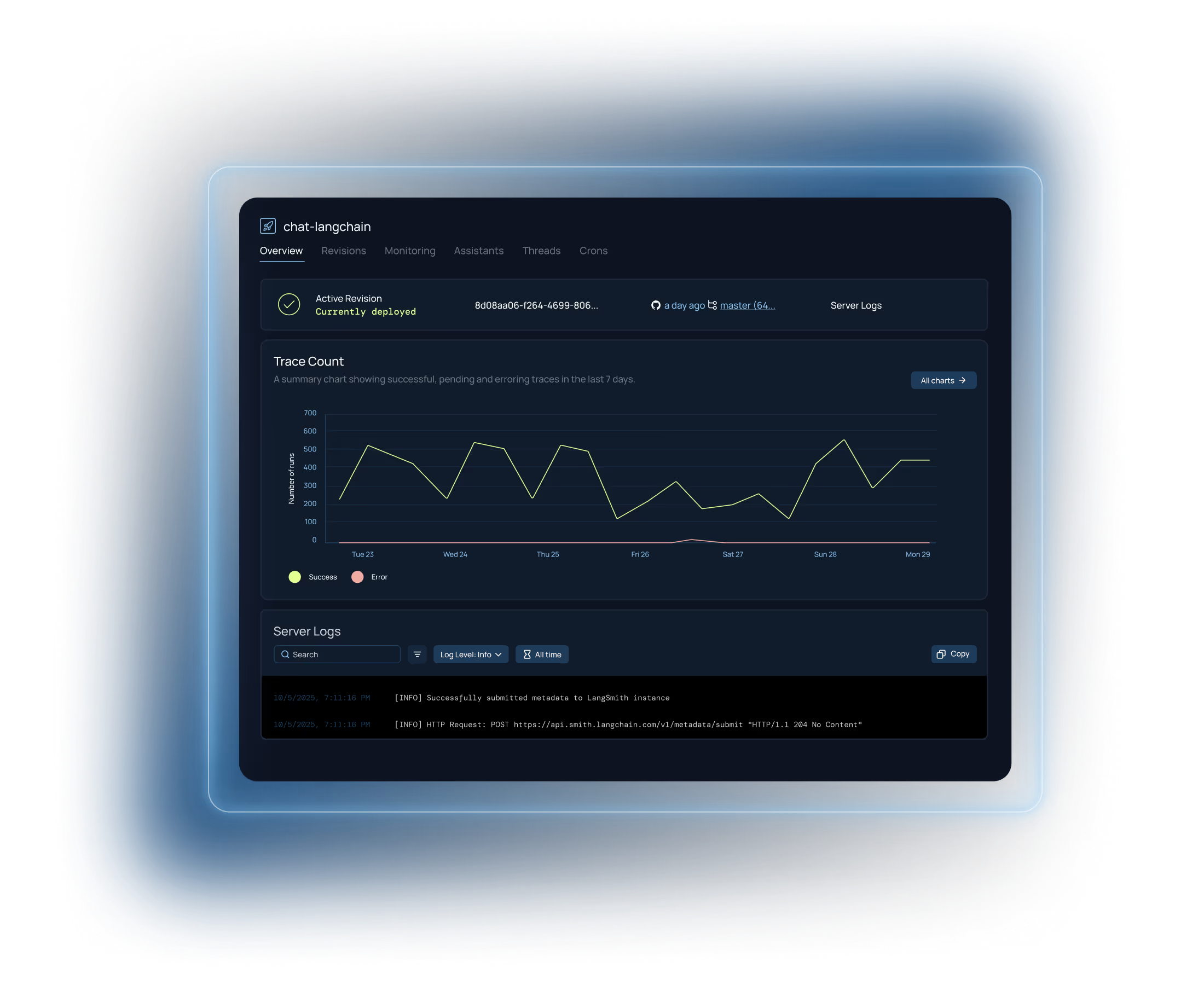
Monitor agent performance with native tracing in LangSmith. Audit usage, debug issues, and improve reliability.

Extend with code
Engineering teams can invoke any agent via API or export agent files for use in pro-code development.
Get started instantly with prebuilt agents
Choose an agent and customize it for your team.





FAQs for LangSmith Fleet
Yes. You can add custom tools and integrate third-party tools using a hosted MCP (Model Context Protocol) server. See the LangSmith Fleet docs for setup details.
Yes. You can configure which model your agent uses for inference, including a custom model. See the LangSmith Fleet docs for configuration steps.
LangSmith cloud stores data in secure infrastructure. When using LangSmith hosted at smith.langchain.com, data is stored in GCP us-central-1 or europe-west4. If you’re on the Enterprise plan, we can deliver LangSmith to run on your kubernetes cluster in AWS, GCP, or Azure so that data never leaves your environment. For more information, check out our documentation. For teams with compliance requirements, self-hosted and BYOC options let you control where your data lives.
Yes, we allow customers to self-host Fleet on our enterprise plan. We deliver the software to run on your Kubernetes cluster, and data will not leave your environment. For more information, check out our documentation.
Yes. Every Fleet run is traced in LangSmith, making it easy to debug performance and run evaluations at scale. Learn more about LangSmith Observability and Evaluation.
See our pricing page for more information, and find a plan that works for you.