
Automate recruiting with an agent that digests candidate requirements, adapts to feedback, and outputs a candidate list.
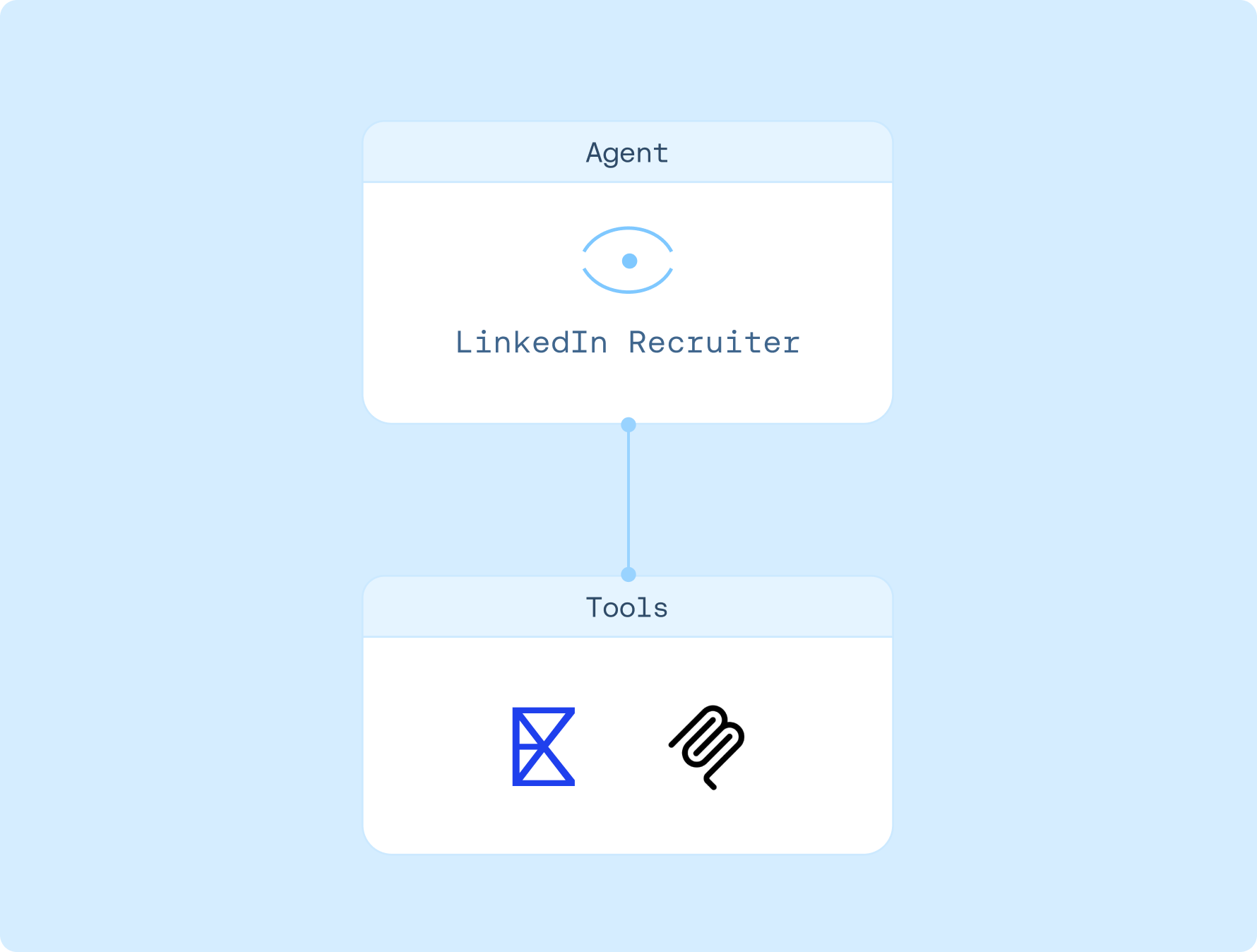

Agent instructions
1. Collects all requirements and context for the role
2. Runs an initial calibration search with 5 candidates and returns them directly in the chat
3. Incorporates your feedback to refine the search criteria, repeating the calibration loop until the agent is fully aligned
4. Once calibrated, performs a full search and retrieves a longer, complete list of qualified candidates, saving them to a file
How to use
1. Sign up for LangSmith Agent Builder
Sign up here for our no-code agent builder.
2. Get your LLM API key
LangSmith Agent Builder works with OpenAI and Anthropic.
- Visit the OpenAI API Keys page.
- Go to OpenAI Billing.
- Add funds to your billing account.
- Copy your API key.
3. Set up your LLM API key
- Navigate to Settings and then move to the Secrets tab.
- Select Add secret and enter either
OPENAI_API_KEYor ANTHROPIC_API_KEY as the name, and your API key as the value. - Select Save secret.
4. Get your Exa API key
Get your Exa API Key here. You can get started for free with $10 in credits.
5. Set up template
- Click here to access this template
- Enter your Exa API Key when asked
6. Get started
Let your agent know that you'd like to get started. It'll guide you through the next steps!