
Back to Templates
About this template
An agent that tracks top AI discussions from X lists and Hacker News, and delivers a daily Slack message with important updates.
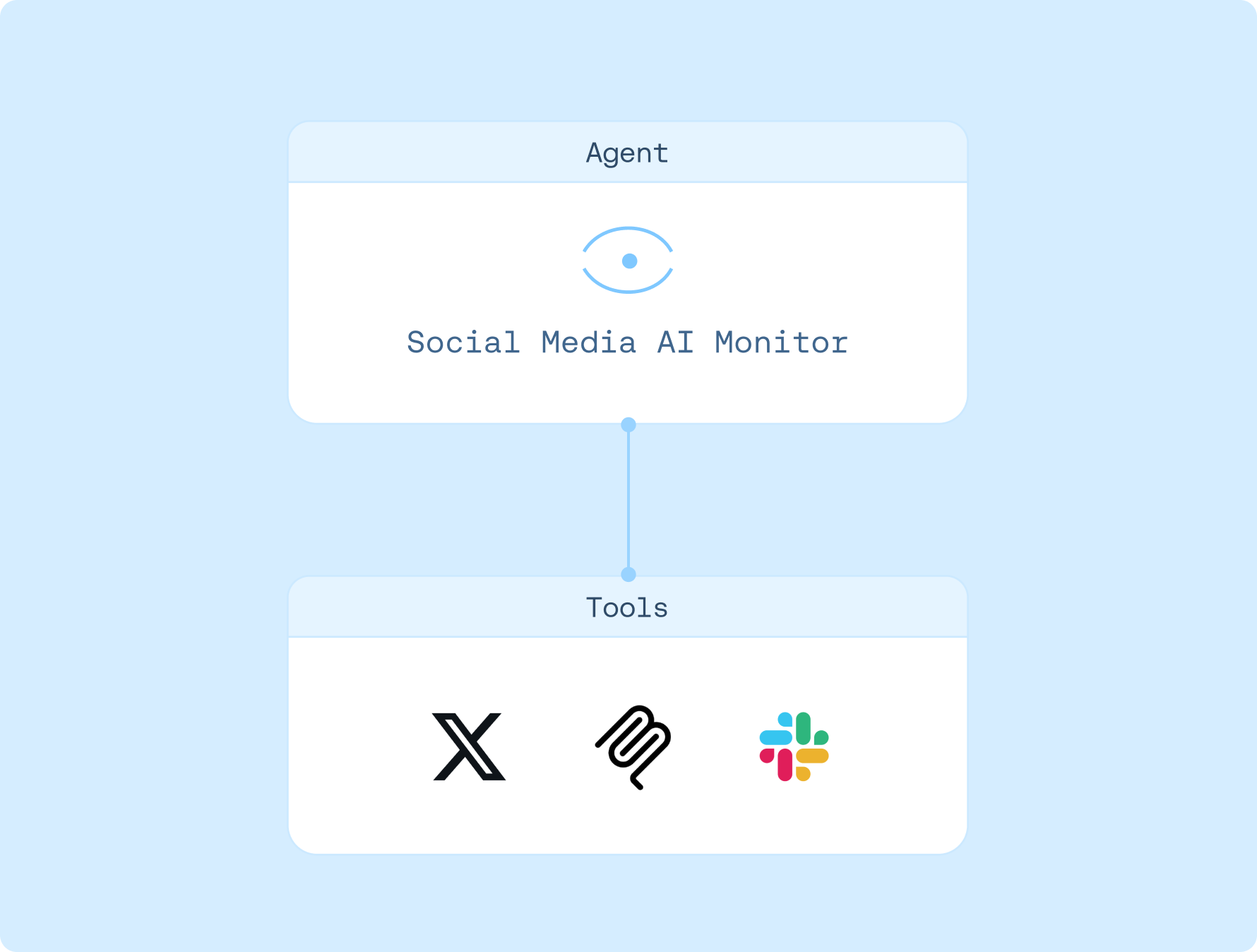
Connections

Slack

X
Created by
LangChain
Agent instructions
1. Fetches up to 50 posts from the specified X list(s) within the last 24 hours
2. Reads Hacker News pages and extracts trending AI/LLM items
3. Sends a concise 3–5 item digest via Slack DM to the user
4. Appends recommended items to /memories/recommended_content.md to prevent repeats
How to use
1. Sign up for LangSmith Agent Builder
Sign up here for our no-code agent builder.
2. Get your LLM API key
LangSmith Agent Builder works with OpenAI and Anthropic.
- Visit the OpenAI API Keys page.
- Go to OpenAI Billing.
- Add funds to your billing account.
- Copy your API key.
3. Set up your LLM API key
- Navigate to Settings and then move to the Secrets tab.
- Select Add secret and enter either
OPENAI_API_KEYor ANTHROPIC_API_KEY as the name, and your API key as the value. - Select Save secret.
4. Get your X API keys
Get your X API keys here. X has a limited free plan. You can see pricing here.
5. Set up template
- Click here to access this template
- Enter your X API Keys
- Authorize access to Slack
- Schedule when you want your agent to run
6. Get started
Let your agent know that you'd like to get started. It'll guide you through the next steps!