
Back to Templates
About this template
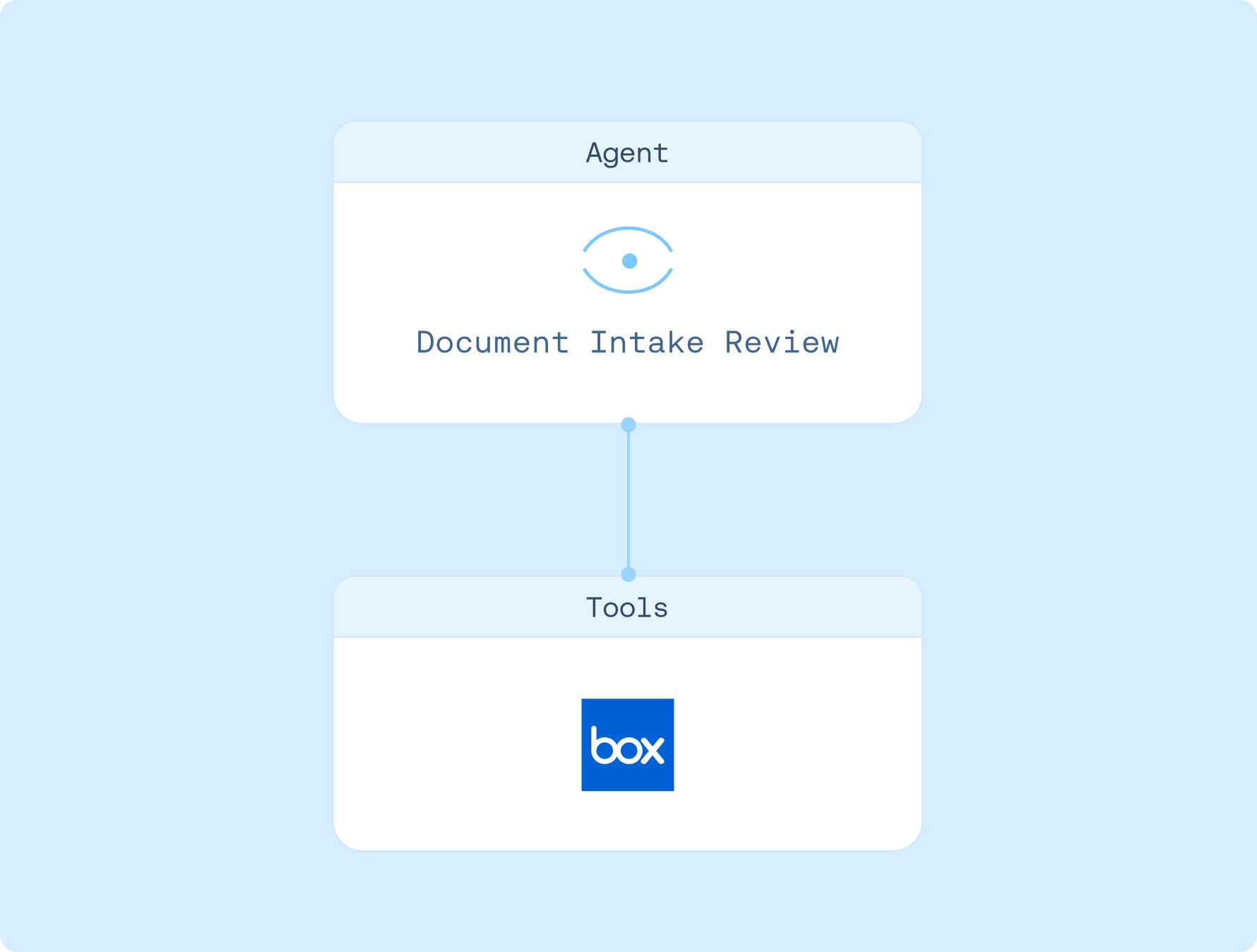
Reviews file submissions and prepares a summary for your approval.
Connections

Box
Created by
Box
Agent instructions
1. Create a Box OAuth provider (manual) in Settings > Connections
2. Connect the Box MCP server via the connection modal
3. Provide a Box folder ID or shared link
4. Run the review; intake_review.md is uploaded to the same folder
How to use
1. Sign up for LangSmith Agent Builder
Sign up here for our no-code agent builder.
2. Get your LLM API key
LangSmith Agent Builder works with OpenAI and Anthropic.
- Visit the OpenAI API Keys page.
- Go to OpenAI Billing.
- Add funds to your billing account.
- Copy your API key.
3. Set up your LLM API key
- Navigate to Settings and then move to the Secrets tab.
- Select Add secret and enter either
OPENAI_API_KEYor ANTHROPIC_API_KEY as the name, and your API key as the value. - Select Save secret.
4. Set up template
- Click here to access this template
- Visit the Box Developer Console
- Create a new "Custom App".
- Select "User Authentication (OAuth 2.0)".
- Under Application Scopes, enable:
- Read all files and folders stored in Box
- Write all files and folders stored in Box
- Manage AI
- Add your allowed origin in CORS domain allowed origin (e.g., smith.langchain.com).
- Use the Client ID and Client Secret to create a PKCE-enabled OAuth provider in Settings → OAuth Providers.
- Return to LangSmith, choose "OAuth 2.1 (Manual)", in the MCP configuration and select your Box provider.
5. Get started
Let your agent know that you'd like to get started. It'll guide you through the next steps!