
Back to Templates
About this template
Researches companies and summarizes findings in a concise report.
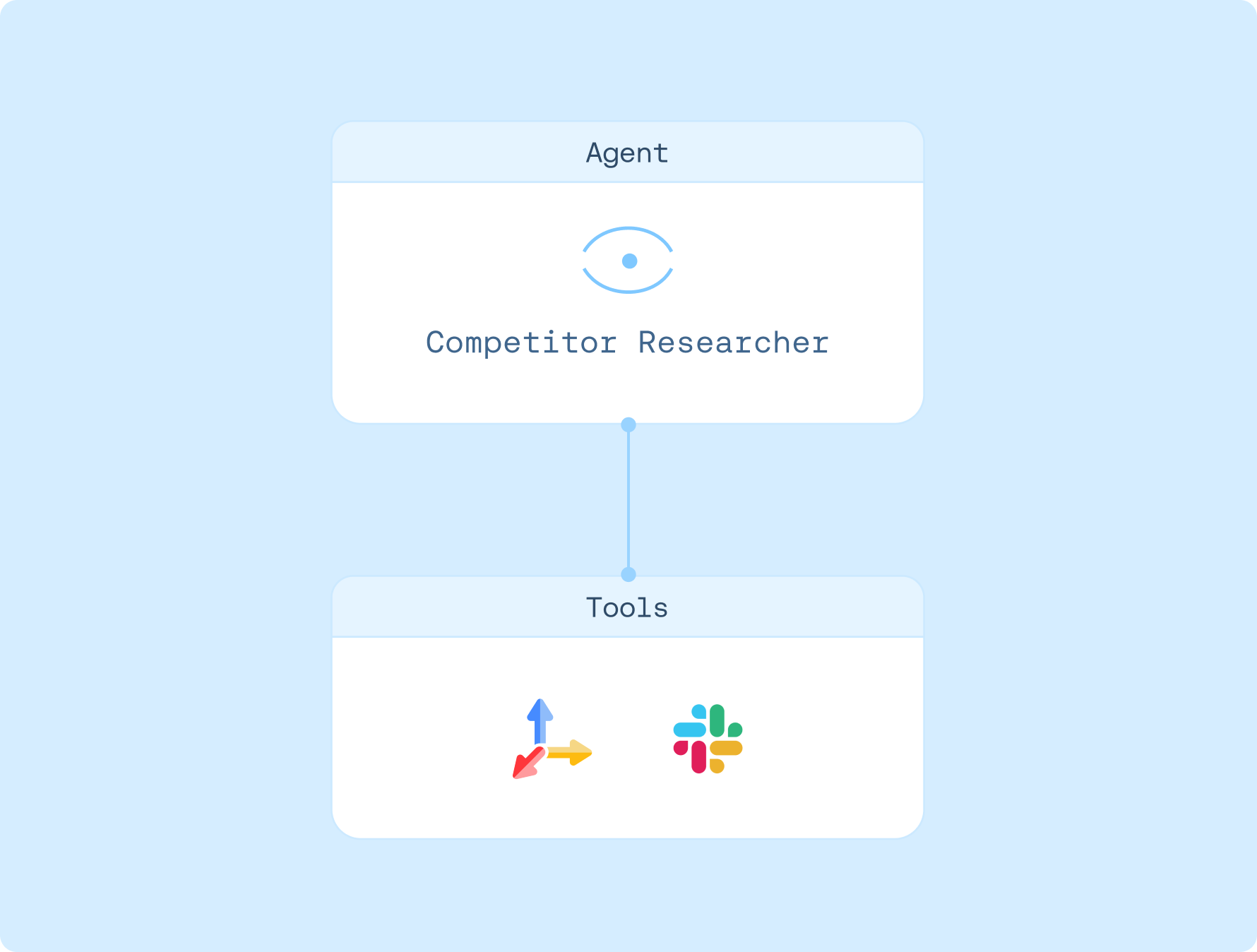
Connections

Tavily

Slack
Created by
Tavily
Agent instructions
1. Optionally connect Slack to reply in threads
2. Provide one or more company names; the agent researches each
3. Uses Tavily Web Search with 'advanced' depth to find recent sources
How to use
1. Sign up for LangSmith Agent Builder
Sign up here for our no-code agent builder.
2. Get your LLM API key
LangSmith Agent Builder works with OpenAI and Anthropic.
- Visit the OpenAI API Keys page.
- Go to OpenAI Billing.
- Add funds to your billing account.
- Copy your API key.
3. Set up your LLM API key
- Navigate to Settings and then move to the Secrets tab.
- Select Add secret and enter either
OPENAI_API_KEYor ANTHROPIC_API_KEY as the name, and your API key as the value. - Select Save secret.
4. Get your Tavily API key
Get your Tavily API Key here. The free plan includes up to 1,000 API credits per month.
5. Set up template
- Click here to access this template
- Enter your Tavily API Key
- Authorize access to Slack
6. Get started
Let your agent know that you'd like to get started. It'll guide you through the next steps!